 This product has been discontinued and is no longer available. You can still access this page for informational service purposes.
Test Browser
Explore and Find your Test Data
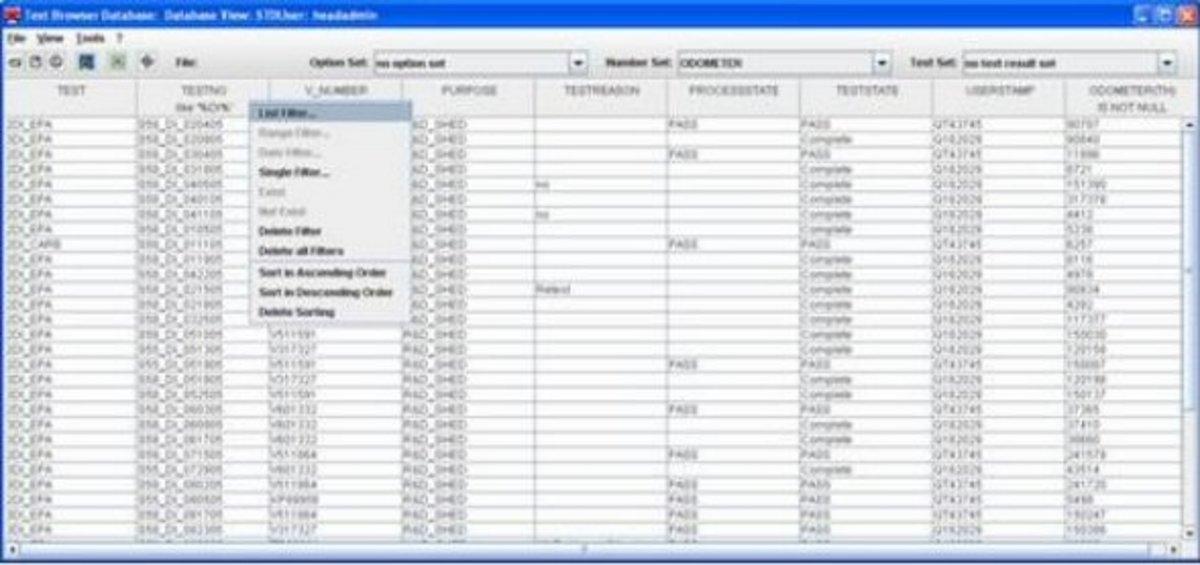
Typically, databases used for test-cell laboratories contain a huge amount of tests including laboratory data, test-setting parameters and test results. The Test Browser serves as a tool to filter out and view specific test data from the database. With the Test Browser, you can search for tests in your database according to specific criteria using filter and sorting functions.
The user interface shows a table-based representation of the database contents. It consists of several standard columns, such as test number, test object, test date, etc. Each line stands for one test. More items from the database can be selected and are added to to the view as individual columns.